Your Mac to your R2 bucket
File contents travel directly to Cloudflare R2. There is no DropForge relay server in the middle.
 DropForgeLifeWithTech Apps
 macOS app · private working build
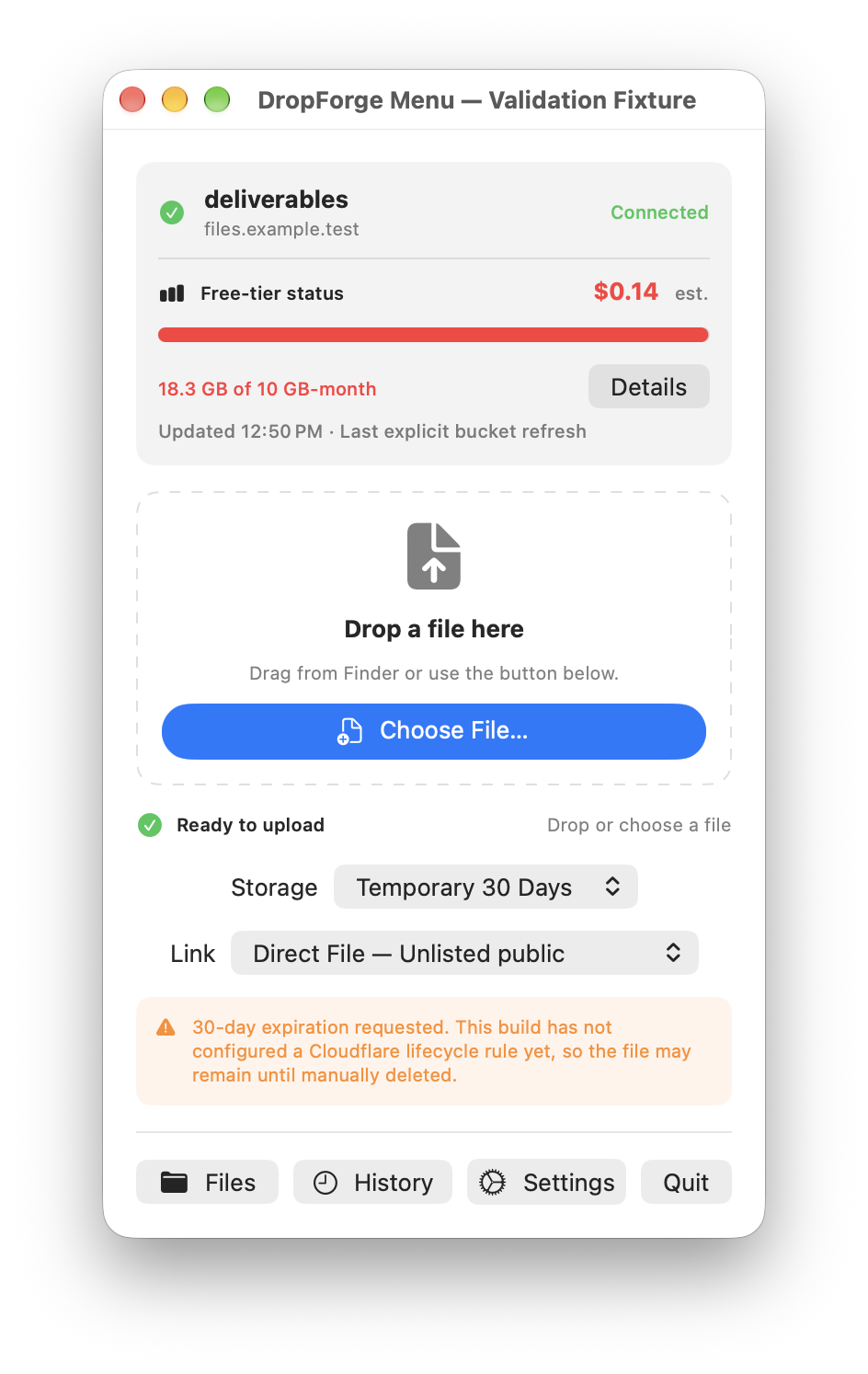
Drop a file, watch it upload, and get a ready-to-share link on your clipboard—without routing the file through somebody else's server.
Direct transferMac → Cloudflare R2
Secrets stay localCredentials in macOS Keychain
Clear link privacyPublic links are labeled unlisted
One calm control surface
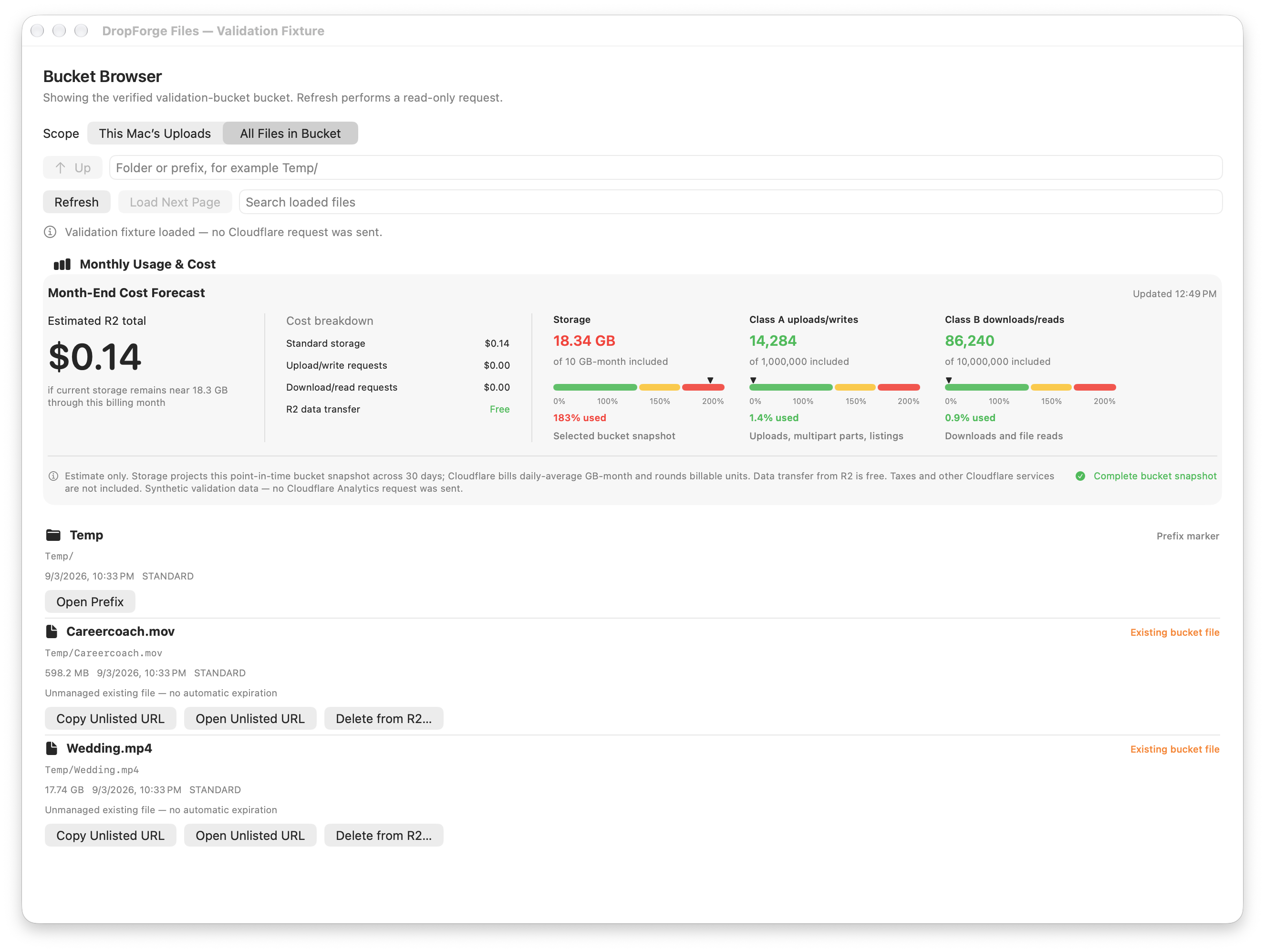
DropForge keeps the fast menu-bar workflow, then opens into a native bucket browser when you need history, file controls, or cost context.
Designed around real transfers
File contents travel directly to Cloudflare R2. There is no DropForge relay server in the middle.
Multipart uploads, bounded retries, visible speed and time remaining, plus resumable failures from History.
Browse objects, copy or open public links, and permanently delete an exact object with confirmation.
See stored data, request usage, free-tier position, and a plainly labeled month-end R2 estimate.
Current build
DropForge is an internal LifeWithTech project in active development. It is not currently offered as a public download.